




















A%
-
Withdraw methods:
-

-

-

-

-

-
+2
-




-
Withdraw methods:
-
-
-




Quick Summary: Where Should You Sell Your CS2 Skins?
If you want the short answer, the best place to sell your CS2 skins depends on one thing: do you care more about payout, speed, or withdrawal method?
Some marketplaces offer very low seller fees. Others give you instant cash but at a lower payout rate. Below is a quick comparison of the strongest platforms based on traffic, fees, and flexibility.
| Marketplace | Seller Fee | Insta Sell Payout | Withdraw Methods | Best For |
|---|---|---|---|---|
| CSFloat | 2% | No | Bank, Crypto | Lowest overall fees |
| DMarket | 2% | No | PayPal, Crypto, Payoneer, Revolut, SEPA | Flexible withdrawals |
| Skinport | 6–8% | No | Bank, SEPA | EU bank payouts |
| Gamerpay | 3% | No | Bank, SEPA, Revolut | Balanced low fees |
| Tradeit.gg | 20% trading | 83% of cash value | Bank, Crypto, Revolut, SEPA | Fast insta sell |
| Haloskins | 3% | No | Crypto | Low seller commission |
Many players searching for the best sites to sell CS2 skins for real money are really looking for reliable cashout options. Since Steam doesn’t allow real money withdrawals, you’ll need to use third-party marketplaces to turn skins into cash. These CS2 cashout sites differ in fees, payout speed, and withdrawal methods like crypto, bank transfer, or e-wallets, so it’s worth comparing them before choosing where to sell.
What These Picks Mean for You
- If you want the highest payout: CSFloat and DMarket stand out with just a 2% seller fee.
- If you want PayPal or multiple payout options: DMarket is the most flexible choice.
- If you’re in Europe and prefer direct bank transfers: Skinport is one of the easiest platforms to use.
- If you want instant cash: Tradeit.gg offers an 83% insta sell payout (calculated from the platform’s cash value, not the Steam price).
- If you want simple low fees and crypto withdrawals: Haloskins is a solid option.
If your main goal is speed, you should read our full breakdown of the best places to sell cs2 skins with insta sell, where we compare payout percentages side by side.
Best Places to Sell CS2 Skins in 2026 (Detailed Reviews)
Below is a closer look at the top platforms. This section focuses on what actually matters when selling: fees, payout potential, withdrawal options, and who each marketplace is best suited for.
1. CSFloat – Lowest Seller Fee Overall

- Seller fee: 2%
- Buyer fee: 0%
- Withdraw fee: 0.5% – 2.5%
- Withdraw methods: Bank transfer, Crypto
- User base: 3+ million monthly users
CSFloat is one of the largest and most active CS2 marketplaces today. With over 3 million monthly users, it offers strong liquidity, which means your skins are more likely to sell faster compared to smaller platforms.
The biggest advantage is the 2% seller fee, which is among the lowest in the market. For high-value items like knives or gloves, this small percentage difference can mean keeping significantly more money in your pocket.
Because buyers are not charged a fee (0% buyer fee), pricing can stay competitive. This can help your listings attract more attention and reduce the time they sit unsold.
CSFloat works best as a traditional marketplace — you list your skin and wait for a buyer. There is no instant sell feature, so if you need immediate cash, this may not be the right platform.
Withdrawals are available via bank transfer and crypto, with fees ranging from 0.5% to 2.5%, depending on the method you choose. While not the lowest withdrawal fee in the industry, it remains competitive overall.
Best for: Sellers who want maximum exposure, strong liquidity, and one of the lowest commission rates available.
Pros
-
 Very low 2% seller fee
 -
Large active user base (3M+ monthly users)
-
Competitive pricing environment
-
Bank and crypto withdrawal options
Cons
-
No instant sell option
-
Withdrawal fees vary by payout method
-
You must wait for a buyer to purchase your listing
2. DMarket – Best for Flexible Withdrawals

- Seller fee: 2%
- Buyer fee: 2.5%
- Withdraw fee: 0 – 2%
- Withdraw methods: PayPal, Crypto, Payoneer, Revolut, SEPA
DMarket is one of the most versatile platforms when it comes to cashing out. While many marketplaces limit you to crypto, DMarket supports PayPal, Payoneer, Revolut, SEPA, and crypto, giving sellers far more flexibility.
The 2% seller fee puts it in the same low-cost category as CSFloat. This makes it competitive for both mid-tier and high-value skins. Even after fees, you can retain a strong percentage of your sale price.
One important detail is the 2.5% buyer fee. While this does not directly affect your seller payout, it can slightly impact how competitive pricing feels compared to platforms with 0% buyer fees.
Withdrawal fees range from 0% to 2%, depending on the method used. This makes DMarket attractive for sellers who want traditional payout methods instead of crypto-only withdrawals.
DMarket works best for sellers who want a balance between low fees and payout flexibility.
Best for: Sellers who want low fees but also need flexible withdrawal options like PayPal or SEPA.
Pros
-
Low 2% seller fee
-
Wide range of withdrawal methods (including PayPal)
-
Competitive withdrawal fees
-
Established marketplace
Cons
-
2.5% buyer fee may influence pricing competitiveness
-
No true high-percentage instant sell option
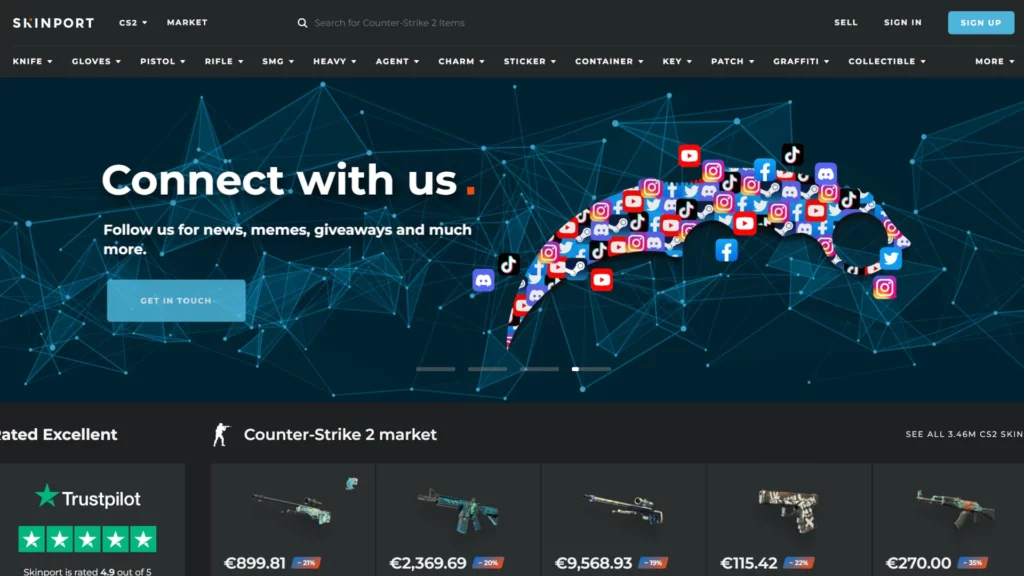
3. Skinport – Best for European Bank Withdrawals
- Seller fee: 6% – 8%
- Buyer fee: 0%
- Withdraw fee: 0%
- Withdraw methods: Bank transfer, SEPA
Skinport is one of the largest CS2 marketplaces in Europe and is often seen as a stable, regulation-friendly platform. It focuses heavily on bank-based payouts, which makes it especially convenient for EU sellers.
The main downside is the 6%–8% seller fee, which is noticeably higher than platforms like CSFloat or DMarket. However, this is balanced by 0% withdrawal fees, meaning what you see after commission is what you receive in your bank account.
Because buyers are not charged a fee (0% buyer fee), listings remain competitive. Skinport also benefits from strong brand recognition in Europe, which helps maintain steady demand.
Skinport does not offer a built-in instant sell feature, so you’ll need to list your items and wait for a buyer.
Best for: European sellers who want simple bank withdrawals and prefer a well-established marketplace, even with slightly higher commission.
Pros
-
0% withdrawal fee
-
Direct bank and SEPA payouts
-
Strong presence in Europe
-
0% buyer fee keeps listings competitive
Cons
-
Higher seller fee (6%–8%)
-
No instant sell option
-
More expensive for high-value items compared to 2% fee platforms
4. Gamerpay – Balanced Low Fees

- Seller fee: 3%
- Buyer fee: 0% – 2.5%
- Withdraw fee: 0% – 2.5%
- Withdraw methods: Bank transfer, SEPA, Revolut
Gamerpay sits in the middle between ultra-low-fee platforms and higher-commission marketplaces. With a 3% seller fee, it remains competitive while still offering standard European banking withdrawal options.
The platform often appeals to casual sellers who want something simple without giving up too much in fees. A 3% commission means you keep most of your sale value, while still benefiting from marketplace visibility.
Withdrawal fees range from 0% to 2.5%, depending on the payout method. Bank transfer, SEPA, and Revolut support make it especially convenient for European users.
Unlike instant cashout platforms, Gamerpay works primarily through listings, meaning you will need to wait for a buyer.
Best for: Sellers who want low fees and traditional European banking withdrawals without using crypto.
Pros
-
Competitive 3% seller fee
-
Multiple EU-friendly withdrawal methods
-
Straightforward fee structure
-
0% buyer fee on some transactions
Cons
-
Smaller user base compared to CSFloat
-
No dedicated high-percentage instant sell feature
-
Withdrawal fee depends on method
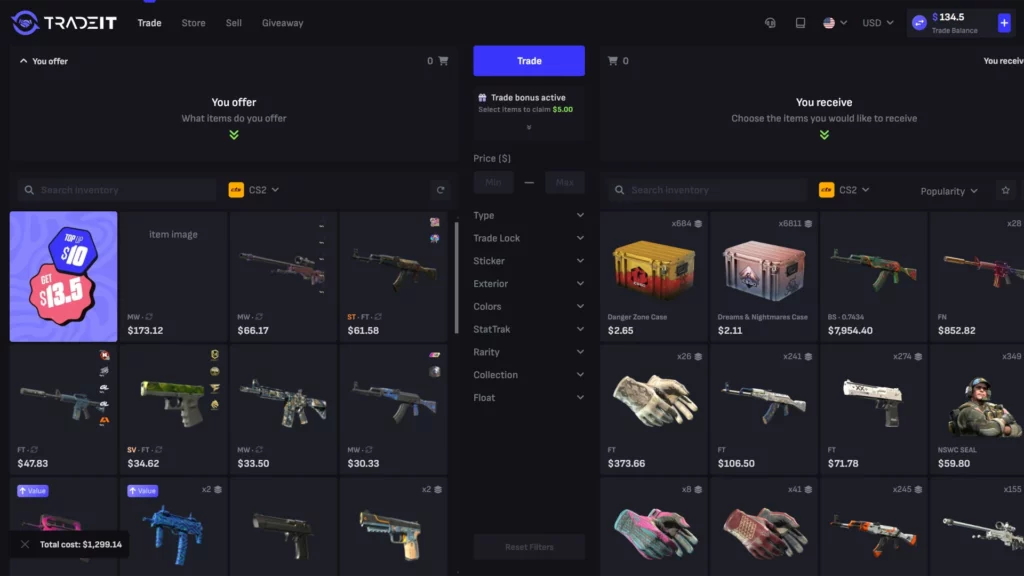
5. Tradeit.gg – Best for Fast Instant Selling
- Insta sell payout: 83% of cash value
- Trading fee: 20%
- Deposit fee: 0 – 3.1%
- Withdraw fee: 0 – 2%
- Withdraw methods: Bank transfer, Crypto, Revolut, SEPA
Tradeit.gg is designed for speed. Instead of waiting for a buyer, you can use the instant sell option and receive an immediate payout.
The platform advertises an 83% instant sell payout, but it’s important to understand that this percentage is calculated from the platform’s cash value, not the Steam Market price. That means your final payout may be lower than expected if you compare it directly to Steam pricing.
The trading structure includes a 20% trading fee, which reflects the value difference built into instant exchanges. This makes Tradeit.gg less attractive for maximum profit, but very useful if you want fast cash.
Withdrawals are flexible, with support for bank transfers, crypto, Revolut, and SEPA. Withdrawal fees range from 0% to 2%, depending on the method.
Best for: Sellers who want speed and instant cash rather than waiting for a buyer at full market value.
Pros
-
Fast instant sell option
-
83% payout rate (from cash value)
-
Multiple withdrawal methods
-
Suitable for quick liquidation
Cons
-
Lower payout compared to listing marketplaces
-
20% trading fee structure
-
Not ideal for high-value skins if maximizing profit
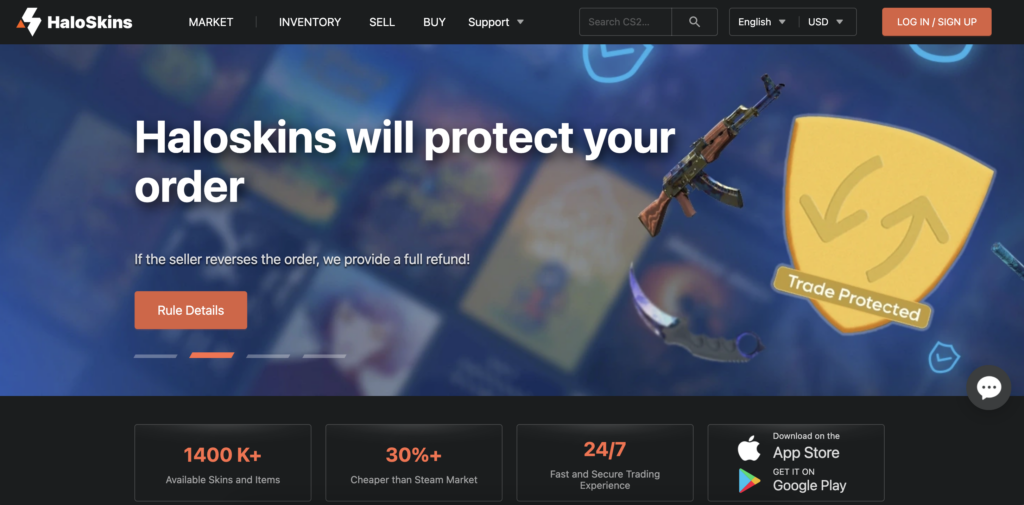
6. Haloskins – Simple 3% Seller Fee with Crypto Payouts
- Seller fee: 3%
- Buyer fee: 0%
- Withdraw fee: 0.005% + $0.5
- Withdraw methods: Crypto
Haloskins is a newer marketplace, but it keeps its fee structure simple and competitive. With a 3% seller fee, it sits close to Gamerpay while remaining cheaper than platforms like Skinport.
Because buyers are not charged a fee (0% buyer fee), listings can stay competitively priced. This helps sellers avoid raising prices to offset buyer-side costs.
Withdrawals are handled via crypto only, with a very small fee of 0.005% + $0.5. This makes it attractive for sellers who are comfortable receiving crypto and want predictable withdrawal costs.
Haloskins works as a standard listing marketplace — there is no built-in instant sell feature. That means you’ll need to wait for a buyer, but in return you can aim for a higher final payout compared to instant cashout platforms.
Best for: Sellers who want low commission and are comfortable withdrawing funds through crypto.
Pros
-
Competitive 3% seller fee
-
0% buyer fee
-
Very low and transparent withdrawal fee
-
Simple fee structure
Cons
-
Crypto-only withdrawals
-
Newer platform compared to major competitors
-
No instant sell option
Comparison Table: Best Places to Sell CS2 Skins
If you prefer to see everything side by side, here’s a direct comparison of the top platforms covered above. This makes it easier to quickly identify which marketplace fits your selling goals.
| Marketplace | Seller Fee | Insta Sell | Withdraw Fee | Withdraw Methods | Best For |
|---|---|---|---|---|---|
| CSFloat | 2% | No | 0.5% – 2.5% | Bank, Crypto | Lowest seller fee + high liquidity |
| DMarket | 2% | No | 0% – 2% | PayPal, Crypto, Payoneer, Revolut, SEPA | Flexible withdrawals |
| Skinport | 6% – 8% | No | 0% | Bank, SEPA | EU bank payouts |
| Gamerpay | 3% | No | 0% – 2.5% | Bank, SEPA, Revolut | Balanced low fees |
| Tradeit.gg | 20% trading | 83% of cash value | 0% – 2% | Bank, Crypto, Revolut, SEPA | Fast instant sell |
| Haloskins | 3% | No | 0.005% + $0.5 | Crypto | Low fee + crypto payouts |
Quick Takeaways
- Lowest seller fee: CSFloat (2%) and DMarket (2%)
- Best withdrawal flexibility: DMarket
- No withdrawal fees: Skinport
- Fastest way to sell instantly: Tradeit.gg
- Simple low-fee crypto option: Haloskins
Where to Sell CS2 Skins Based on Your Goal
There isn’t one perfect marketplace for everyone. The best place to sell CS2 skins depends on what you care about most: fast cash, the highest payout, or a specific withdrawal method like PayPal or crypto.

If You Want Instant Cash
If you need money quickly and don’t want to wait for a buyer, an insta sell platform is the fastest option. The trade-off is that you usually get less than you would from a normal listing.
Just remember: instant cashout percentages are always based on the site’s cash value, not the Steam price, so the real payout can feel lower than expected.
For a full list of instant sell options and payouts, see our guide to the best places to sell cs2 skins with insta sell.
If You Want the Highest Payout
If your goal is to get the most money, a standard marketplace listing is usually better than instant sell. Low seller fees matter the most here.
Good picks:
- CSFloat (2% seller fee)
- DMarket (2% seller fee)
These tend to work well for high-value items where fees make a big difference.
If You Want PayPal Withdrawals
Not every marketplace supports PayPal cashouts. If PayPal is a must-have, you should focus on platforms that clearly list it as a withdrawal option.
Good pick:
- DMarket (PayPal withdrawal supported)
If You Want Crypto Withdrawals
Crypto payouts are common and often faster, but fees depend on the network and method.
Good picks:
- CSFloat (Crypto)
- DMarket (Crypto)
- Haloskins (Crypto-only)
- Tradeit.gg (Crypto)
If you’re comfortable withdrawing in crypto, you’ll have more platform choices overall.
How We Ranked the Best Places to Sell CS2 Skins
To help you choose the right platform, we compared marketplaces based on the factors that directly affect how much money you actually receive — not just headline features.

1. Seller Fees
This is the most important factor.
A difference between 2% and 8% might not sound huge, but on a $1,000 knife, that’s a $60 difference. Platforms like CSFloat and DMarket stand out with 2% seller fees, while others charge more.
Lower fees usually mean higher final payout — assuming similar listing prices.
2. Payout Percentage (Insta Sell vs Marketplace)
There are two ways to sell skins:
- Marketplace listing (you wait for a buyer)
- Instant sell (you sell immediately at a discount)
Instant sell platforms may offer 70%–90% of the skin’s cash value, but remember:
the payout percentage is always calculated from the platform’s cash value, not the Steam Market price.
If you want maximum value, listing is usually better.
If you want speed, instant sell may be worth it.
3. Withdrawal Methods
We compared:
- Bank transfers
- SEPA
- PayPal
- Payoneer
- Revolut
- Crypto
Some platforms only allow crypto withdrawals, while others support PayPal and bank payouts. If withdrawal flexibility matters to you, this can be a deciding factor.
4. Withdrawal Fees
Some marketplaces advertise low seller fees but charge higher withdrawal fees.
For example:
- CSFloat: 0.5%–2.5%
- DMarket: 0–2%
- Skinport: 0%
Always calculate your total cost, not just the selling commission.
5. Traffic and Liquidity
More users = faster sales.
CSFloat (3+ million active monthly users) generally provides stronger liquidity than smaller platforms. High traffic reduces the time your skin sits unsold.
6. Reputation and Stability
We considered:
- Platform age
- Public ratings
- User feedback
- Consistency in payouts
Liquidity and trust matter just as much as low fees.ore than max profit, insta-sell marketplaces are the fastest way to turn CS2 skins into real money.
What Affects How Much You Get for Your CS2 Skins?
Two sellers can list the same skin and walk away with different payouts. Here’s what actually impacts how much money you receive.

1) Seller Fees
A 2% fee vs 8% makes a big difference on expensive items.
Example: On a $1,000 skin:
- 2% fee → you keep $980
- 8% fee → you keep $920
Always compare the seller commission first.
2) Instant Sell vs Listing
- Listing: Usually higher payout, but you must wait for a buyer.
- Instant sell: Immediate cash, but lower payout.
Important: instant cashout percentages are calculated from the platform’s cash value, not the Steam price. So “83%” does not mean 83% of Steam Market value.
3) Withdrawal Fees
Some sites advertise low seller fees but charge more at withdrawal.
Check:
- Percentage-based fees (e.g., 1%–2%)
- Fixed fees (e.g., $0.50 + %)
- Network fees for crypto (ERC20 is usually higher than BEP20/TRC20)
Your final payout = Sale price − seller fee − withdrawal fee.
4) Liquidity (How Fast It Sells)
High-traffic platforms (like CSFloat) usually mean faster sales. Faster sales often allow you to price closer to market value instead of discounting heavily.
5) Pricing Strategy
If you price below competitors, you sell faster but earn less.
If you price at market average, you may wait longer but maximize value.
Is It Safe to Sell CS2 Skins on Third-Party Marketplaces?
Yes, it can be safe — but only if you use trusted platforms and follow basic security steps. Most problems happen because of phishing, fake bots, or users rushing through trade confirmations.

1) Stick to Trusted Sites
Use marketplaces with a solid track record, clear fee pages, and real user feedback. Avoid unknown sites with aggressive “too good to be true” payouts.
2) Watch Out for Phishing Links
The most common scam is a fake site that looks real. It tricks you into logging in with Steam and steals your account or trade link.
Safety checks:
- Type the site URL manually or use bookmarks
- Don’t log in from random Discord links
- Double-check the domain name before signing in
3) Check Every Trade Offer
If the site uses Steam trade offers, verify the trade carefully before accepting:
- Correct bot account
- Correct items
- Correct quantities
- No extra items added at the last moment
If anything looks off, cancel the trade.
4) Protect Your Steam Account
Before selling skins, make sure you have:
- Steam Guard enabled
- A strong password
- No shared API key (reset it if you suspect phishing)
Many “marketplace scams” are actually Steam account security failures.
5) Understand Trade Holds and Restrictions
Even legitimate marketplaces can’t bypass Steam’s rules. If your account triggers trade holds (due to recent changes or missing security), withdrawals and trades can be delayed.
Final Verdict: Which Platform Should You Choose?
The best place to sell CS2 skins depends on what matters most to you: maximum payout, fast cash, or flexible withdrawals.
- If you want the highest payout, choose low-fee marketplaces like CSFloat or DMarket (2% seller fee).
- If you need PayPal withdrawals, DMarket is the strongest option.
- If you want instant cash, platforms like Tradeit.gg offer fast payouts — but remember, instant sell percentages are calculated from the platform’s cash value, not the Steam price.
- If you prefer direct EU bank transfers, Skinport remains a solid choice.
- If you’re comfortable with crypto withdrawals, Haloskins, CSFloat, and DMarket are reliable options.
There’s no single best platform for everyone. The right choice depends on whether you prioritize speed or profit.
And if you’re planning to reinvest your money into new skins instead of cashing out, make sure to compare the best sites to buy CS2 skins to find the lowest prices and widest inventory.
How to Sell CS2 Skins
Selling CS2 skins through trusted marketplaces lets you turn unused items into real money. Whether you are selling common items or high-value skins, the process is simple when you choose the right site.
CS2 Skins, Computer Device (mobile, tablet, computer)
Internet Connection
-
1
Choose a Marketplace
Decide between the Steam Community Market (Steam balance only) or third-party marketplaces that pay real money. Compare fees, payout speed, and payment methods before listing.
-
2

Sign In With Steam
Log in using Steam and connect your trade URL. Legit sites never ask for your password. Some platforms may require ID checks before withdrawals.Some platforms may require KYC verification before you’re allowed to withdraw funds.
-
3
List Your Skins
Select the skins from your inventory and set a price, or use auto pricing. You can also choose instant sell for a faster but lower payout.
-
4
Complete the Trade
If listed normally, wait for a buyer. If using instant sell, payment is sent as soon as the trade is confirmed.
-
5
Withdraw Your Money
After the sale, withdraw your funds using PayPal, bank transfer, or crypto. Always check fees, limits, and payout time before confirming.
Is Selling CS2 Skins for Real Money Legal?
Yes, selling CS2 skins for real money is legal in most countries. Many players use third-party marketplaces to turn their skins into cash. That said, there are a few important rules to understand before you sell.
Steam does not allow direct cash withdrawals from its own market, which is why third-party sites exist. These marketplaces work outside of Steam, but still use Steam’s trade system. This is allowed as long as you follow Steam’s rules.
Here is what you need to know:
- Steam rules still apply – Trade holds, Steam Guard, and trade limits cannot be skipped on any site.
- No site is officially backed by Steam – You use third-party marketplaces at your own choice.
- Local laws matter – Some countries have limits on payouts, taxes, or ID checks.
- KYC checks are normal – Many trusted marketplaces ask for ID before large cashouts.
Selling CS2 skins for real money is common and widely used, but always choose a trusted marketplace and read the payout rules before listing your items. This helps avoid account issues and payment delays.
FAQ: Selling CS2 Skins
-
Can You Get Banned for Selling CS2 Skins?
-
Is Instant Sell Worth It?
-
How Long Does It Take to Sell a Skin?
-
Do I need to verify my ID to sell skins?
-
Do I need the Steam Mobile Authenticator?
-
What Is the Best Way to Maximize Profit?
-
Why do prices differ from Steam?