

 Lower prices than Steam Market









Quick Overview
Bitskins is a CS2 skins marketplace based in Hong Kong, launched in 2015. Bitskins runs as a classic marketplace, where you buy from listings and sell by listing your items for other users. Bitskins also supports Dota 2 skins.
Bitskins fits you if you want high liquidity and large selection, since it lists around 1,300,000 skins and reports about 573,700 monthly visits. Bitskins also fits you if you want low friction buying, since the buyer fee is listed as 0%.
Fees
Fees shape your final checkout price, your net payout after selling, and the total cost to cash out.
| Fee type | Cost | Details |
|---|---|---|
| Buyer fee | 0% | Pay what you see. No hidden payment fees. |
| Seller fee | 5% - 10% | Applies when you sell items on the marketplace. |
| Deposit fee | 0% | Again, no hidden payment fees. You pay the number that the skin is listed for. |
| Withdrawal fee | 1 - 4% | Fee depends on the withdrawal method and amount, with method specific fixed charges and limits. |
| Withdrawal method | Fee | Minimum | Maximum |
|---|---|---|---|
| BTC | $25 + 4% | $100 | $5,000 |
| LTC | $1 + 4% | $5 | $5,000 |
| Binance | 1% | $1 | $5,000 |
| Bank | 3% + $1.10 | $5 | $1,000 |
Is Bitskins Legit?
Yes. Bitskins shows long operating history, large marketplace scale, and a sizable third party review sample.
Years in operation: Bitskins launched in 2015.
Community reputation: Bitskins reports about 573700 monthly visits and around 1300000 skins available, which supports strong liquidity.
Trustpilot score: 3.9 based on 2111 reviews.
Payment Methods at Bitskins
Bitskins supports multiple deposit routes for buying and multiple cashout routes for withdrawals. Deposit options include card and several partner payment options, plus Binance and crypto. Withdrawal options focus on crypto, Binance, and bank rails, including SEPA.
| Payment method | Deposit | Withdraw | Details |
|---|---|---|---|
| Credit or Debit Card | Yes | No | Deposit supported. |
| Zen Pay | Yes | No | Deposit supported. |
| G2A | Yes | No | Deposit supported. |
| Kinguin | Yes | No | Deposit supported. |
| Binance | Yes | Yes | Withdraw fee: 1%. Minimum $1, maximum $5,000. |
| Crypto | Yes | Yes | BTC and LTC withdrawal fees listed in the withdrawal table. |
| Bank Transfer | No | Yes | Withdraw fee: 3% + $1.10. Minimum $5, maximum $1,000. |
| SEPA | No | Yes | SEPA supported as a withdrawal route. |
How To Get Started with Bitskins
Setup is straightforward. You create an account, connect Steam, deposit, then buy or list items for sale.
Steam Account
CS2 Skins
-
1
Create an account
Open Bitskins and register. Use a strong password and enable available account security options.
-
2
Connect Steam
Sign in through Steam on Bitskins and confirm the site address before you approve Steam login.
-
3

Prepare Steam trading
Confirm Steam Guard status and trading access. Resolve trade restrictions before your first purchase or sale.
-
4
Deposit funds
Choose a deposit method such as Credit or Debit Card, Zen Pay, G2A, Kinguin, Binance, or crypto. Deposit fee is listed as 0.00%.
-
5
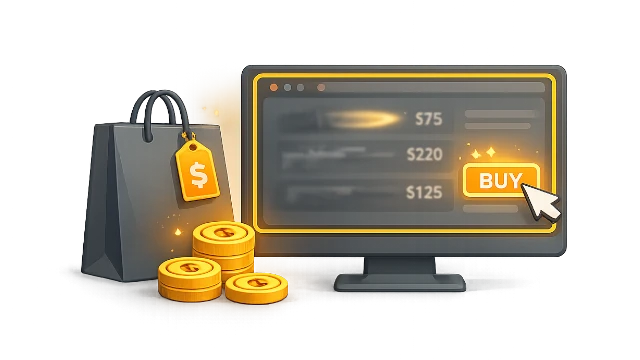
Buy skins or sell through listings
Browse listings and buy with a 0% buyer fee. If you sell, list your items and account for the 5% - 10% seller fee when you set prices.
-
6
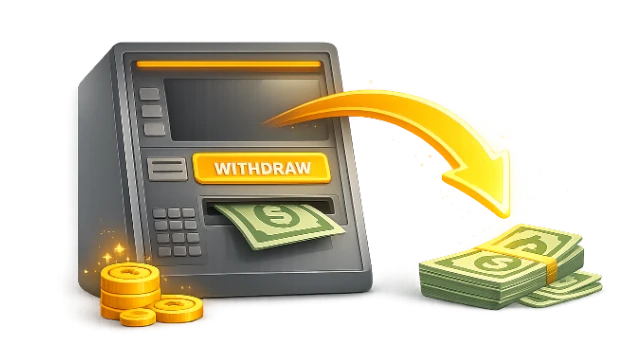
Withdraw your funds
Select a withdrawal rail based on cost and limits. Examples: Binance withdrawals list 1% with $1 minimum and $5,000 maximum. Bank withdrawals list 3% plus $1.10 with $5 minimum and $1,000 maximum. BTC withdrawals list $25 plus 4% with $100 minimum and $5,000 maximum. LTC withdrawals list $1 plus 4% with $5 minimum and $5,000 maximum.
FAQ About Bitskins
-
Can You Get Banned for Using Bitskins?
-
How Long Do Withdrawals Take?




Average User Rating 5.0


Recent Comments
prixcs2 - 5
I've been using BitSkins for a little while now and it's been a pretty smooth experience. The prices are noticeably cheaper compared to the Steam Market, and the whole process of purchasing skins is straightforward and quick. One of the biggest advantages is that you can actually cash out your earnings — something you can't do on Steam. Their selling fees are fairly competitive too, though I did find the crypto withdrawal fees a bit steep. The platform is trustworthy and secure, but I think it could be a bit more beginner-friendly, especially in terms of explaining how everything works. All in all, BitSkins is a reliable place to buy and sell skins, and I’ll definitely continue using it.
386 days ago
Write your own review: